

The phone loses signal
It keeps taking photos and saves them on the phone. They send themselves when the signal is back.
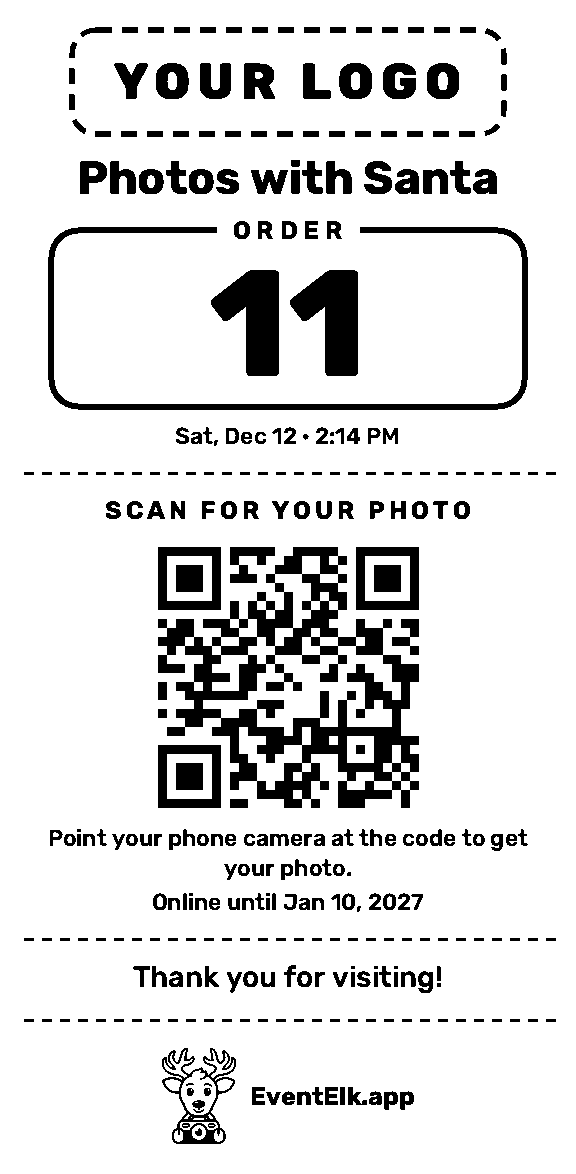
EventElk runs in the cloud. A phone takes the photo, even on mobile data, and a computer or laptop next to your printer prints it. Every sheet comes out with an order number, and the receipt has a QR code for the digital copy.
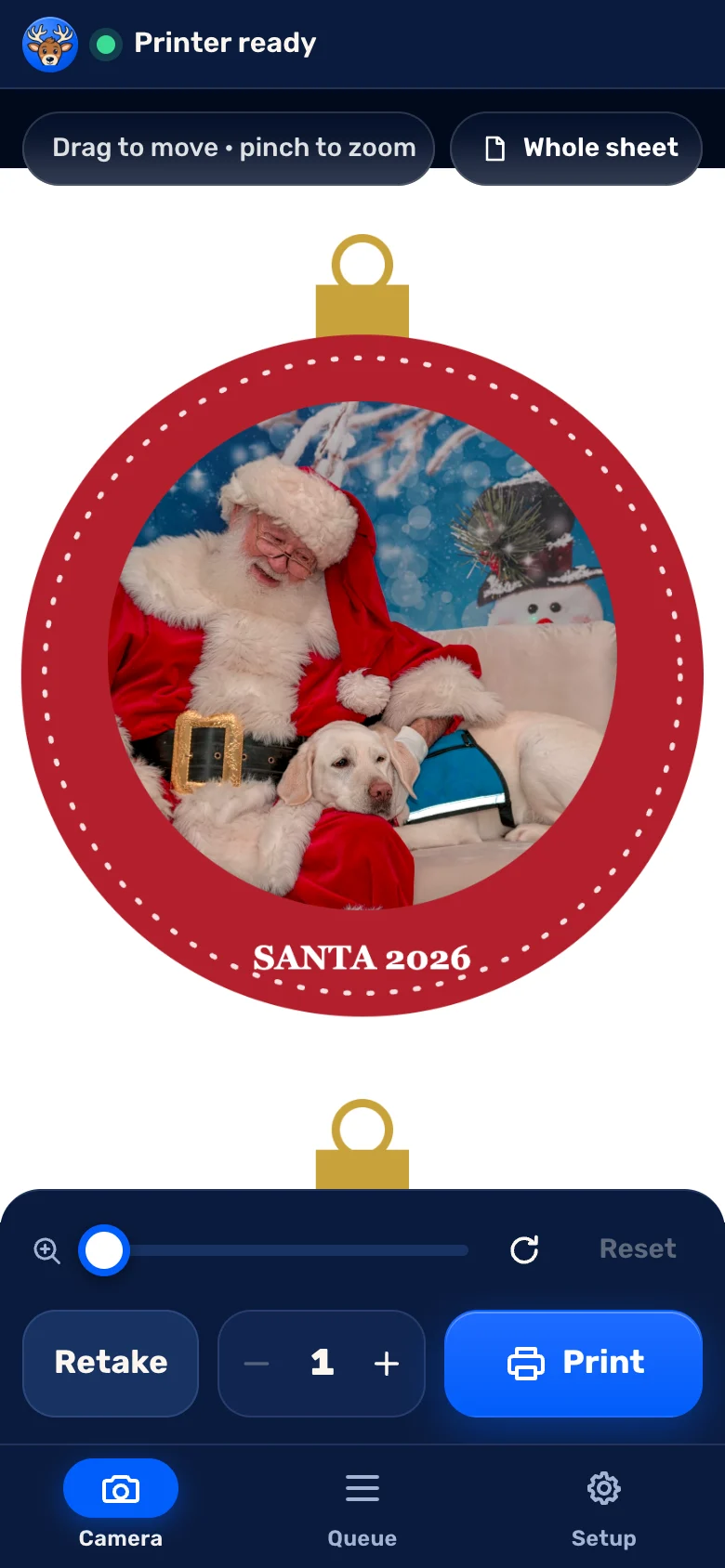
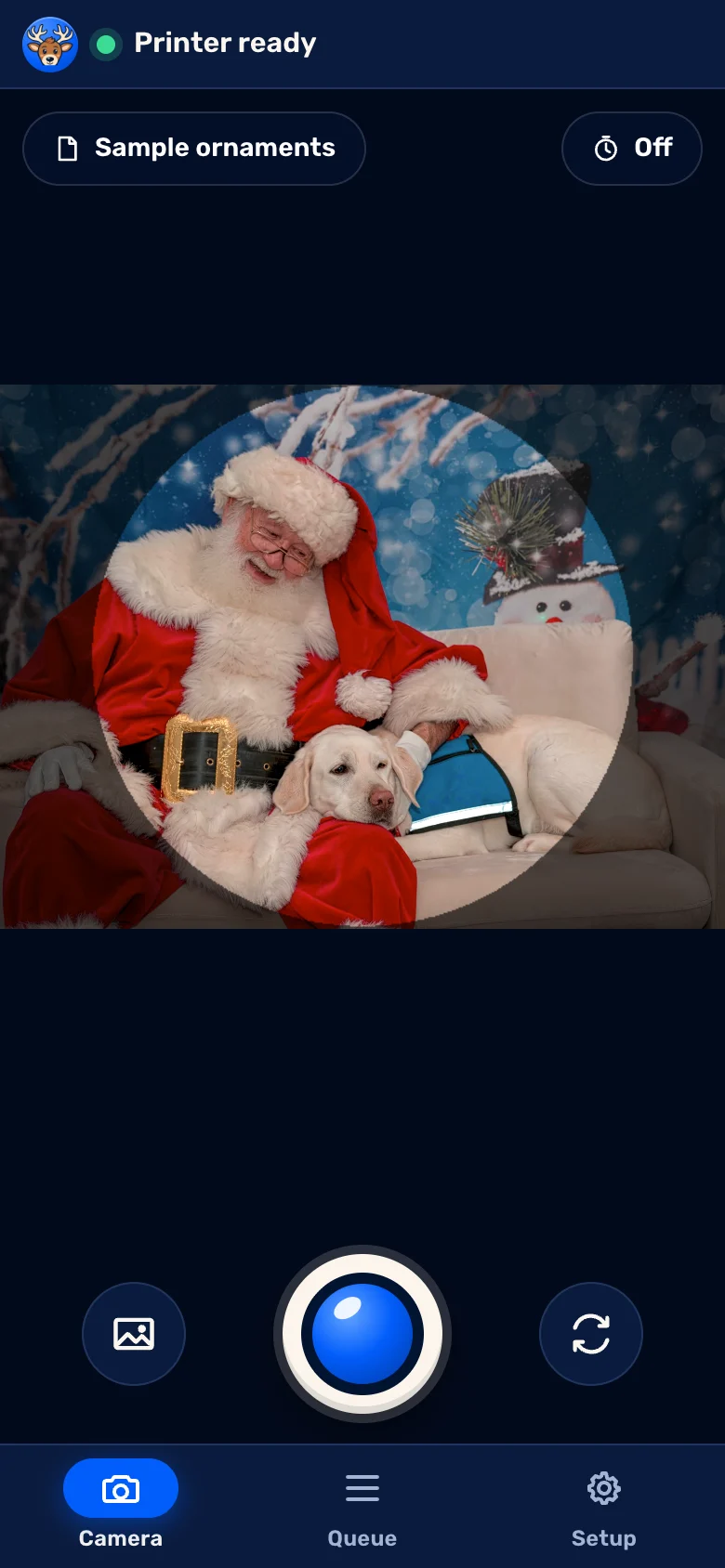
Open eventelk.app/staff on any phone and sign in with your passcode. Your frame, ornament or sticker design shows over the camera, so you can line everyone up before you tap.
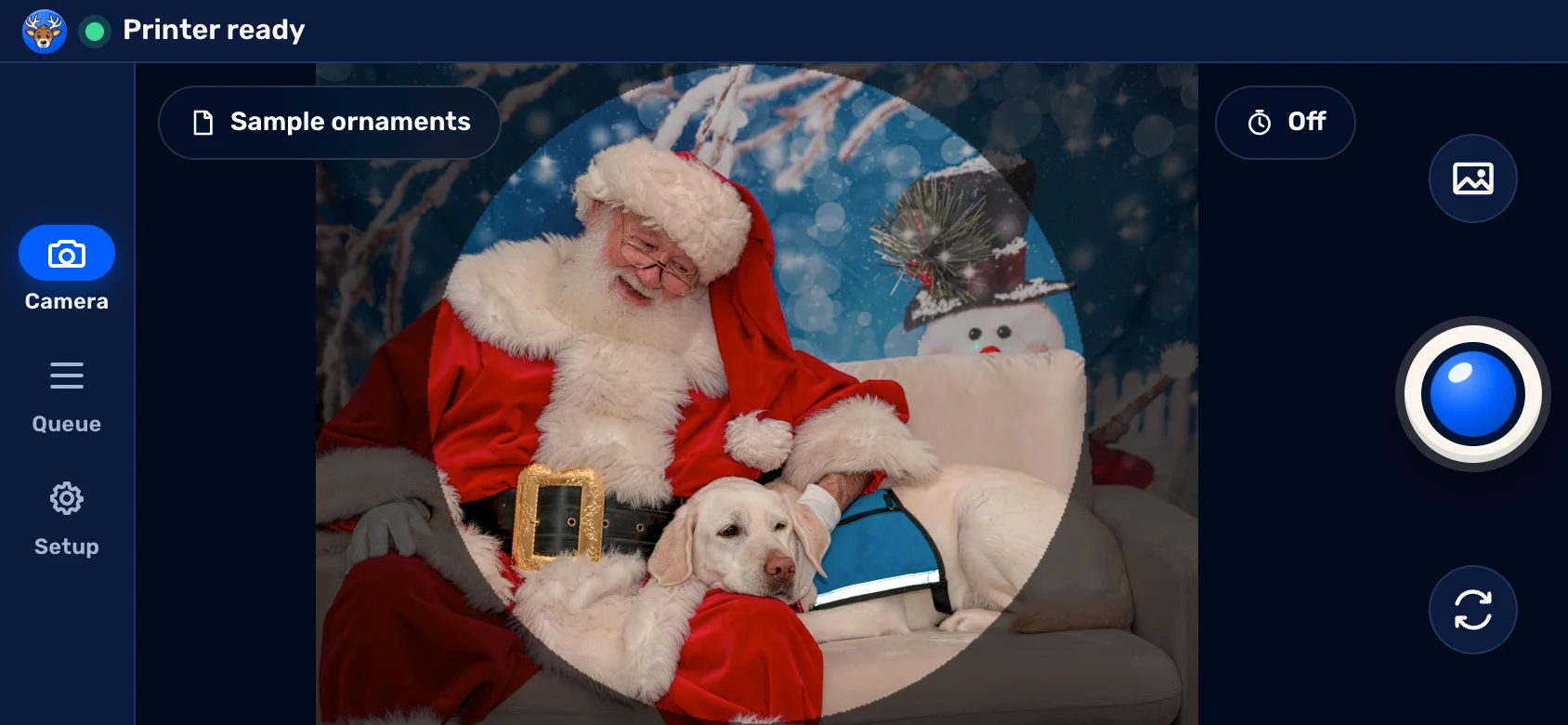
The photo goes over the internet to a computer or laptop next to your printer. The phone can be on mobile data out on the floor; the printer can be anywhere with an internet connection.

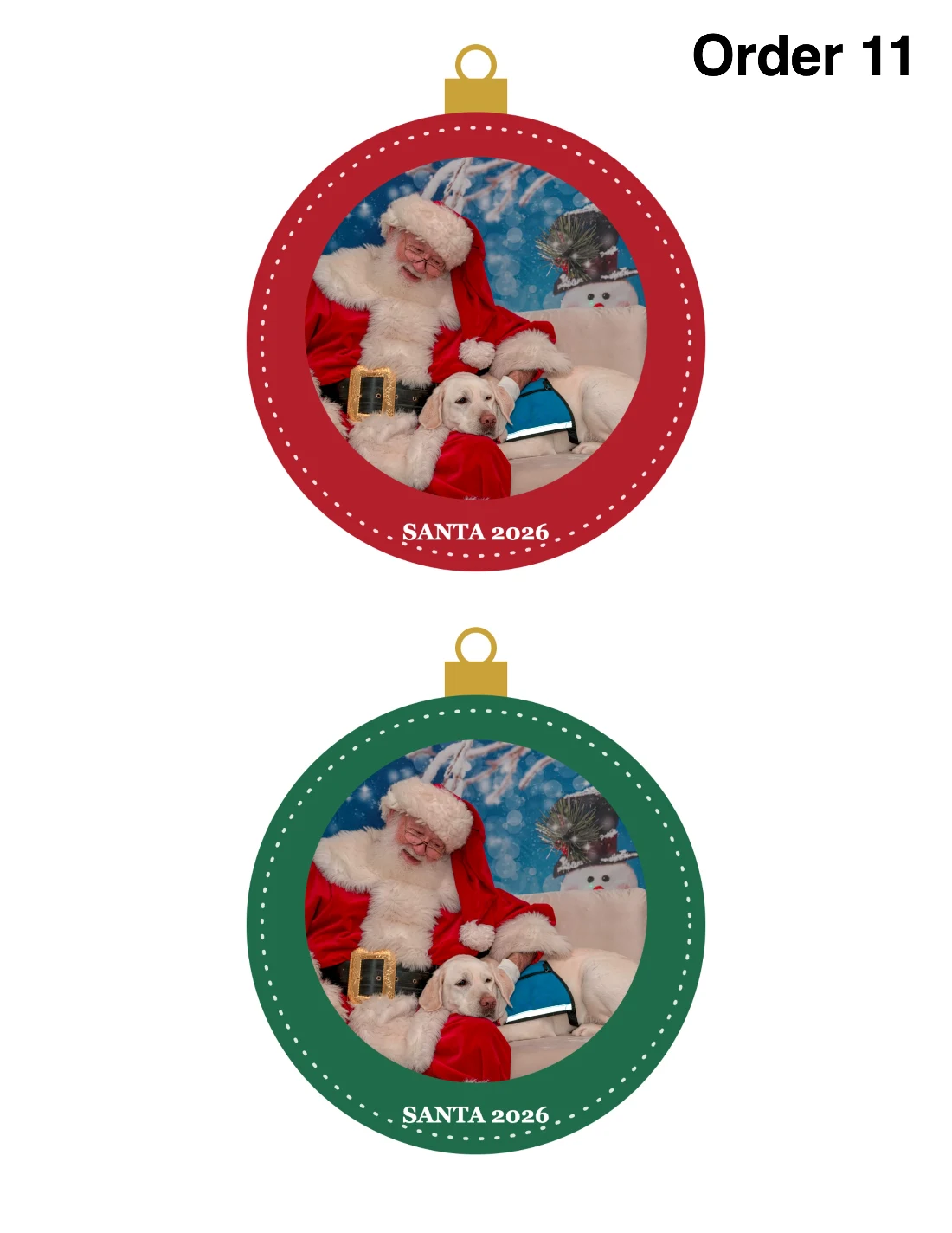
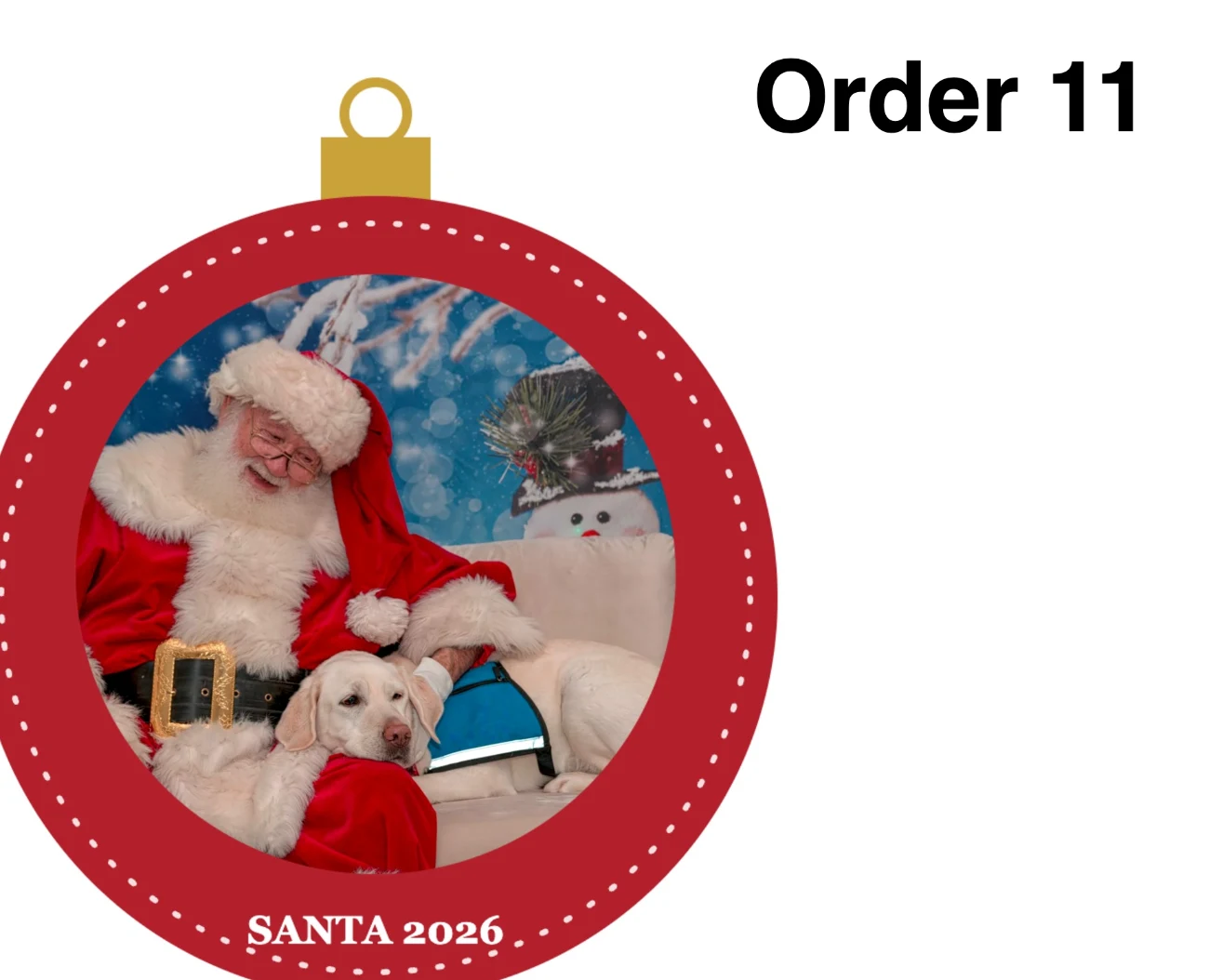
The order number is printed in a corner of the sheet and in large type on the receipt, so each print reaches the right person.
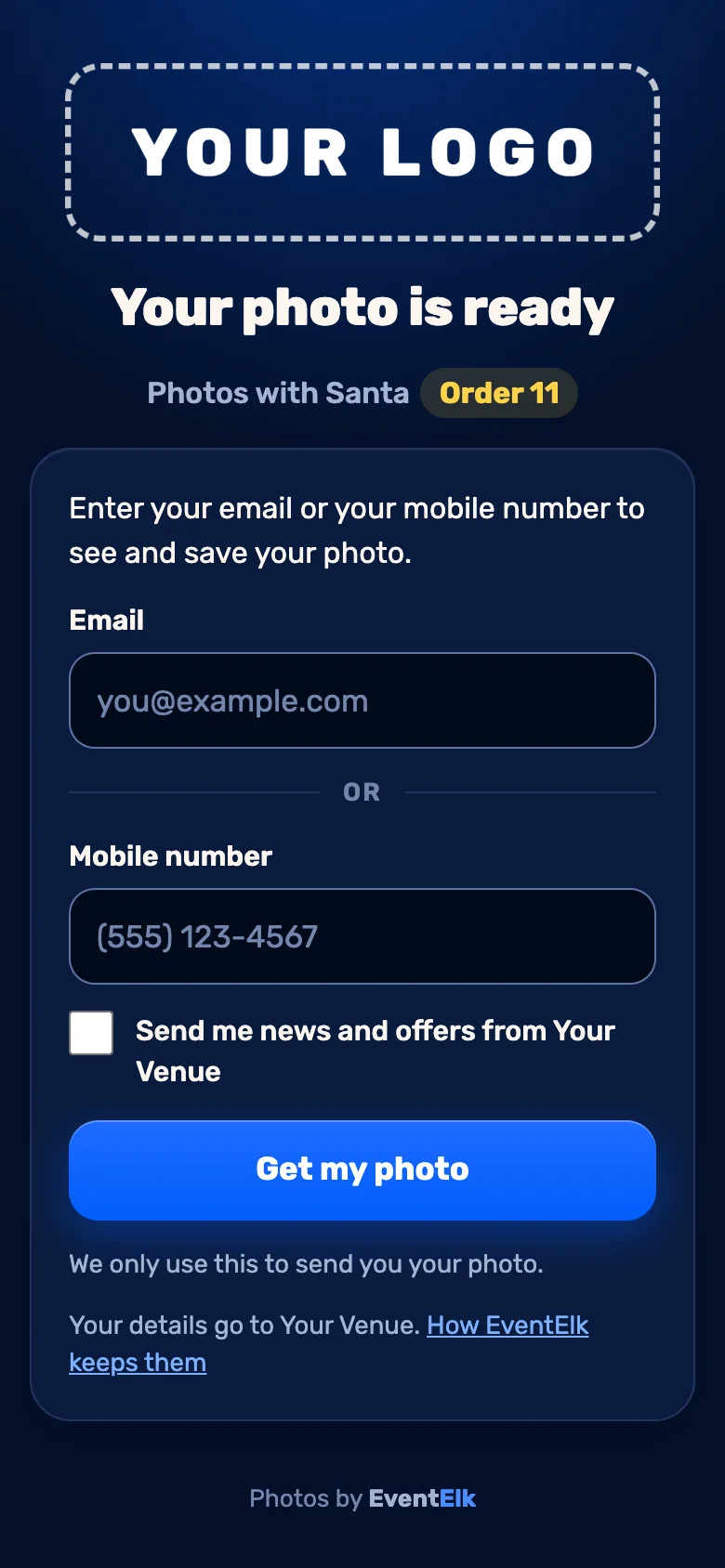
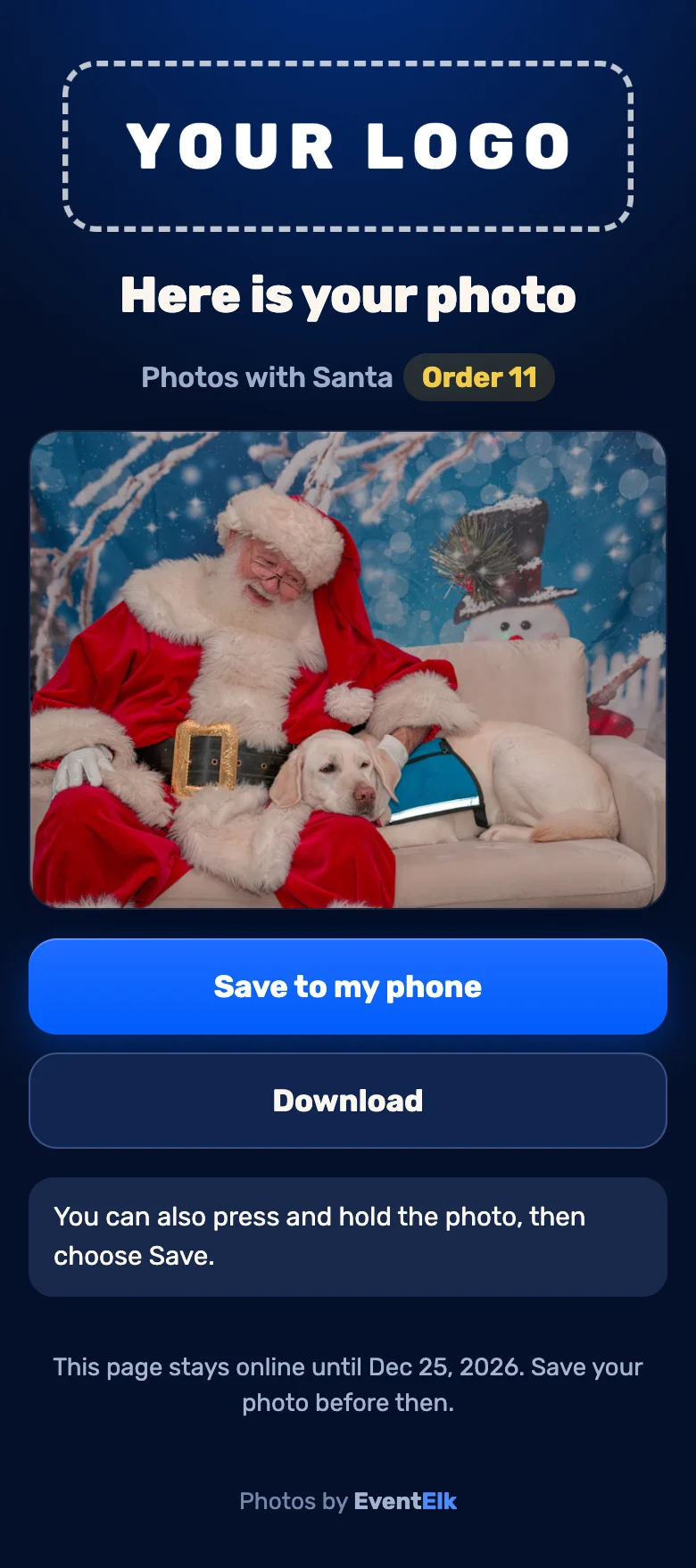
The QR code on the receipt opens the guest’s own photo page, with your logo at the top. You decide whether they leave an email or a mobile number first, and how many days the photo stays online.
Nothing is lost, and nothing prints twice by mistake. This is what your staff see.
It keeps taking photos and saves them on the phone. They send themselves when the signal is back.


Every staff phone says so, and printing picks up by itself once it is fixed.


Photos wait in line, and the queue carries on where it left off.


If the computer is interrupted mid-print, EventElk asks a person to look instead of printing the sheet again.
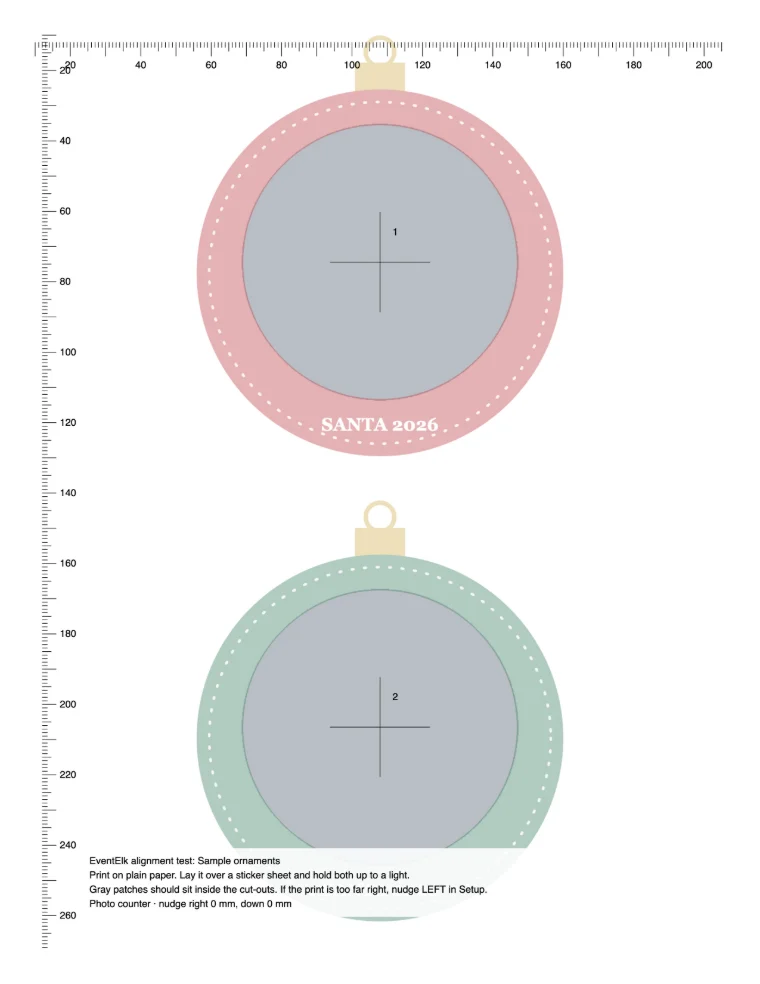
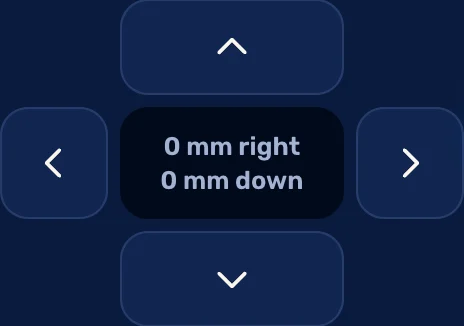
Upload your design as a picture (Canva works): frames, die-cut stickers, ornaments. A printed test page shows where the photo lands, and you nudge it a quarter of a millimeter at a time until it sits in the cut-out.
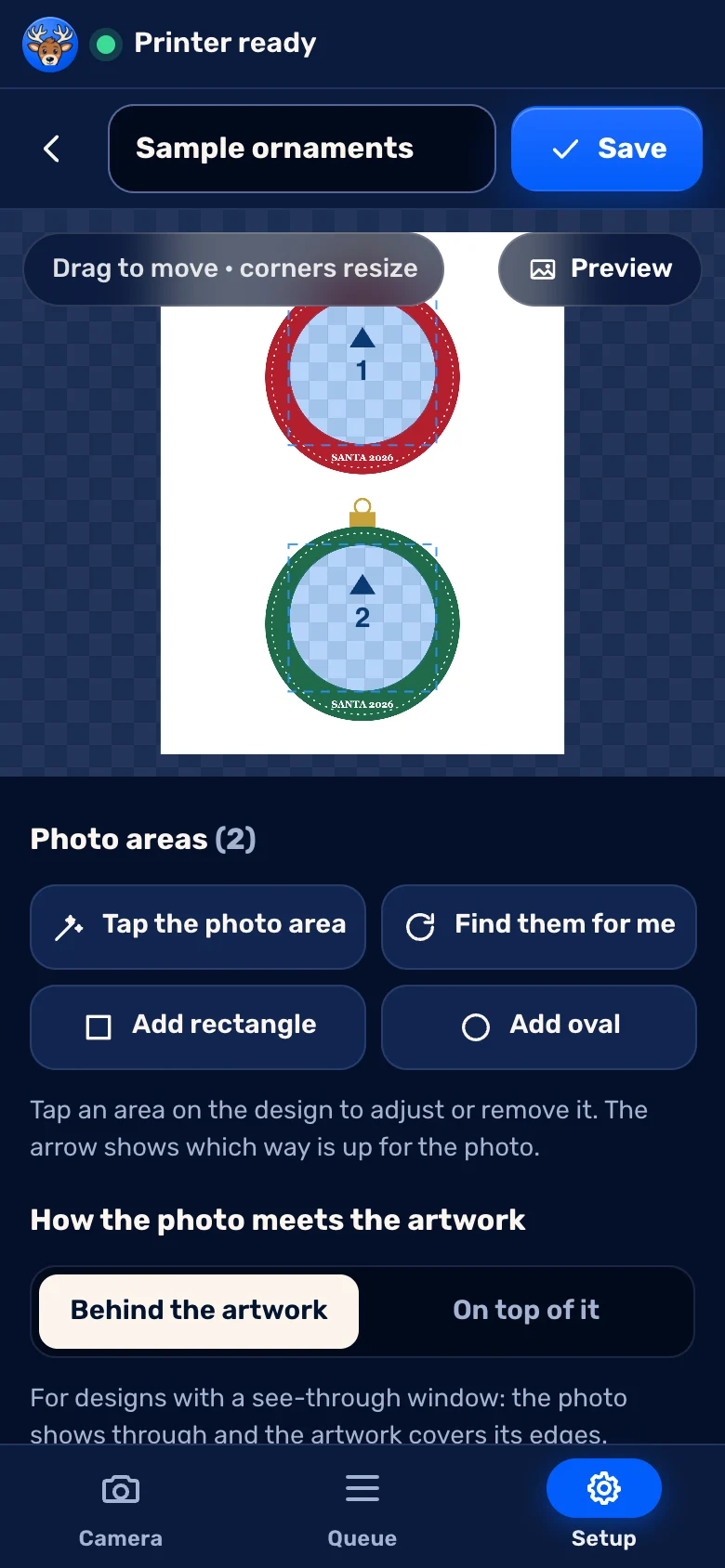
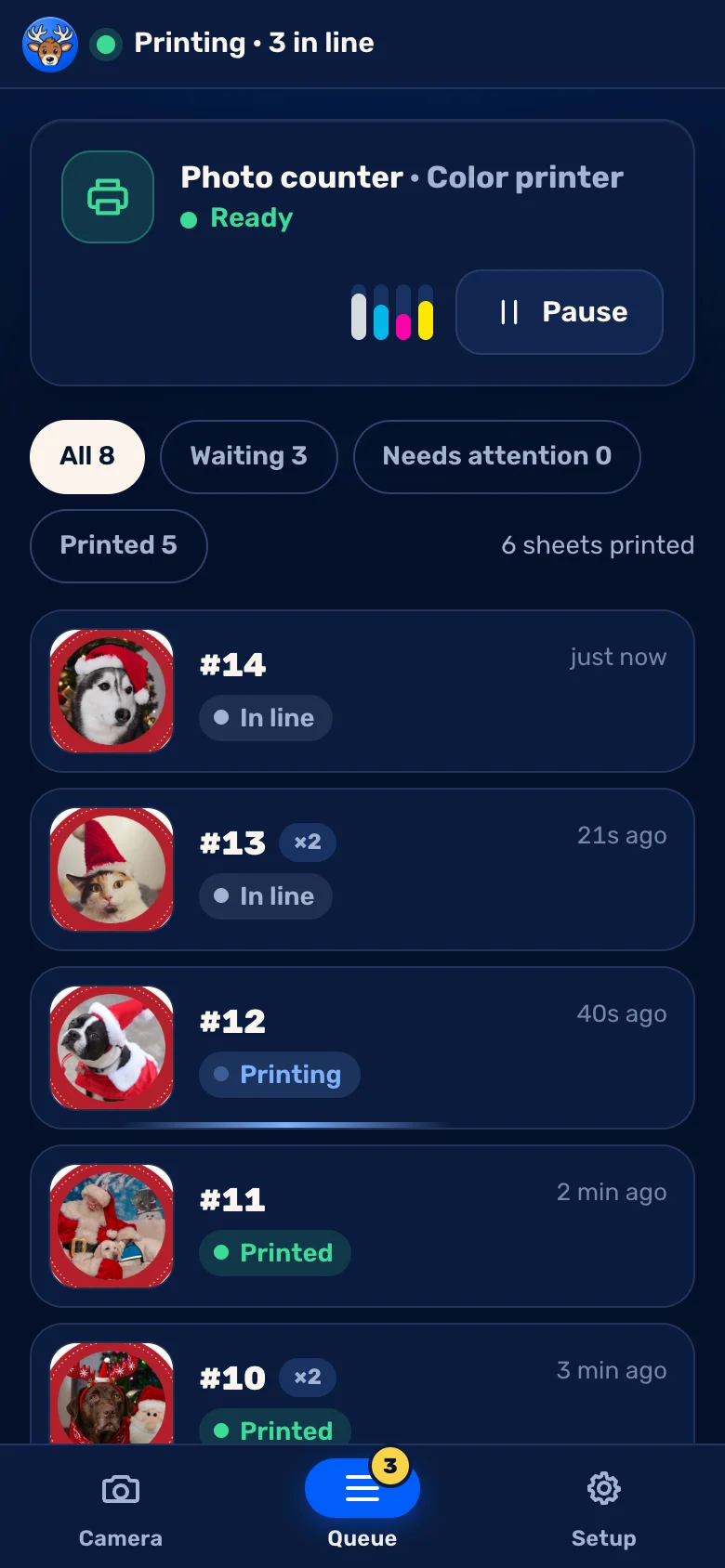
Every signed-in phone, tablet or computer sees the same live queue. Reprint, cancel or pause the printer from any of them.
The details guests leave download as a spreadsheet, with a separate column for who agreed to news and offers.
| Mobile | Wants news and offers | |
|---|---|---|
| pat@example.com | yes | |
| (555) 010-0142 | no | |
| sam@example.com | yes | |
| lee@example.com | (555) 010-0177 | no |
Open any order to print more copies, or move and zoom the same photo and print it again. No retake needed.
Any iPhone or Android phone, in the browser. Any printer your computer or laptop can print to, on Windows or Mac. A color test page helps set the printer up.
Most photo booth apps are made for parties. EventElk is made for photo lines where the prints are sold.
 EventElk
We run a lot of photo events, and our main problem was always the same: flaky connectivity, and flaky reliability in general. So I built EventElk to run in the cloud and rely on as little equipment as possible. A phone takes the photo, any computer or laptop prints it, and if the connection drops, nothing is lost.

Steven BroyerNew Jersey · 2026
No. Staff open eventelk.app/staff in the browser and add it to the home screen. Only the computer or laptop next to the printer runs a small program, installed by pasting one command.
Any printer the computer or laptop can print to with its own driver, on Windows or Mac. Receipts print on a standard 80 mm receipt printer.
No. The phone works on mobile data. Only the computer or laptop by the printer needs an internet connection: the venue’s Wi-Fi, a cable, or a phone’s hotspot. The two never need to be on the same network.
Photos taken without signal are saved on the phone and sent when it comes back. A sheet is never printed twice by mistake, and anything that needs a person, like paper or a jam, shows on the staff phones.
Yes. Export it as a picture, mark where the photo goes, and line it up with a printed test page. Frames, stickers and ornaments all work.
The receipt has a QR code that opens a private page for their order. You choose whether they leave an email, a mobile number, either one, or nothing first.
As long as you choose. Photos and the details guests leave are deleted automatically after the number of days you set, 30 unless you change it.
No. Take payment the way you do now. EventElk handles the photo, the print and the order number.
There are no published prices. Tell us about your event through the contact form.
There is no self-serve signup. Venues are set up after getting in touch through the contact form.
Scan the QR code on your receipt to see it. If the code does not scan, ask at the photo booth.

Tell us what kind of event it is, how busy it gets and what you print on.